
Edge devices
Update Edge custom parameters.
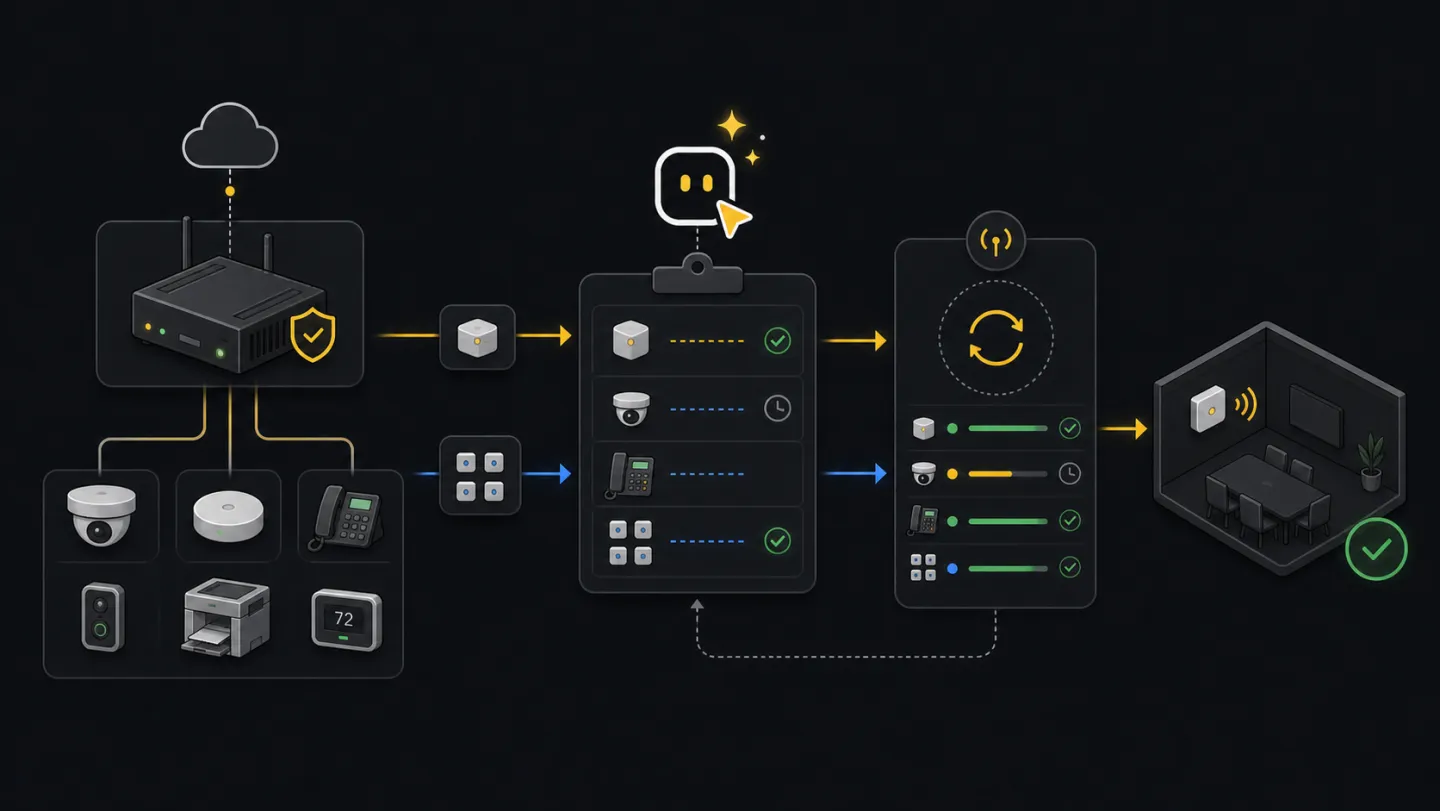
For devices already claimed through Xyte Edge. The workflow reads current values, reads the model schema, plans the complete replacement object, applies after approval, and verifies the device afterward.
Before you start: You need the claimed Edge device id and the parameter values to change. Use Device claiming for unclaimed Edge devices.
Ask an agent
Point the agent at the device id or spreadsheet and ask it to build a plan. It should stop after showing the complete replacement body.
I need to update custom parameters on already-claimed Edge devices. Read the source rows, discover each device model, validate parameter labels, and show the plan. Do not apply anything yet.What the agent will do
- ReadGet deviceFetch current model id and current custom parameters.
- DiscoverGet modelUse parameters[].name and password types from the model schema.
- PlanMerge valuesMerge requested changes into current values and show the full replacement body.
- ApproveApplySend updateDevice only after explicit approval.
- VerifyRead backConfirm the device reports the expected parameter values.
Single device
Plan the replacement
Start with the claimed device id. The command reads the current device and model, then prints the model id and full
custom_parametersbody.xyte-cli edge update-params \ --tenant <tenant-id> \ --device-id <device-id> \ --set-json '{"Port":"161"}' \ --planInspect the model when needed
Use the model id from the plan output to confirm labels, required parameters, and password fields.
xyte-cli edge models describe \
  --tenant <tenant-id> \
  --model-id <model-id-from-plan>
Apply after approval
Apply sends the complete replacement object and performs read-back verification.
xyte-cli edge update-params \
  --tenant <tenant-id> \
  --device-id <device-id> \
  --set-json '{"Port":"161"}' \
  --apply
Batch update
Prepare rows
Use
device_id,set_json,expected_model_id. The expected model id column is optional, but useful for blocking stale spreadsheets.xyte-cli util prepare \ --action edge.params.update \ --tenant <tenant-id> \ --input <input.xlsx> \ --output-dir ./preparedPlan and apply
Keep report and resume files together. Resume skips rows that already succeeded.
xyte-cli edge update-params-batch \
  --tenant <tenant-id> \
  --input ./prepared/edge-params-update.csv \
  --report ./artifacts/edge-params.plan.ndjson \
  --plan

xyte-cli edge update-params-batch \
  --tenant <tenant-id> \
  --input ./prepared/edge-params-update.csv \
  --report ./artifacts/edge-params.apply.ndjson \
  --resume-artifact ./artifacts/edge-params.resume.ndjson \
  --apply
Safety checks
set_jsonkeys must matchparameters[].namefrom the device model.custom_parametersis a complete replacement write; omitted model parameters are reset by the API.- The CLI merges requested values into current values before sending the full replacement object.
- Existing device parameters that are not supported by the current model are blocked instead of being preserved blindly.
- Required model parameters must be present in the merged replacement body.
- Password masks such as
"*****"are blocked unless a real replacement value is supplied. - Batch input rejects duplicate
device_idrows so two replacements cannot target the same device in one run. - Apply mode reads the device again and fails if the expected values are not present.
If it fails
Use edge models describe and update the source row to the human-readable label from parameters[].name.
The device already contains a label that is not in the model schema. Refresh the model/device data and decide whether to remove or remap that value before applying.
Add the required model parameter to set_json or confirm it is already present on the device before retrying.
Ask for the real password value. Do not send "*****" as a replacement.
Refresh the device row. The device model changed or the spreadsheet targeted the wrong device.
Keep one row per device_id in a batch. Split conflicting changes into separate reviewed runs.
Inspect the device and do not assume the write landed. Re-plan after checking current state.